From pixels to characters
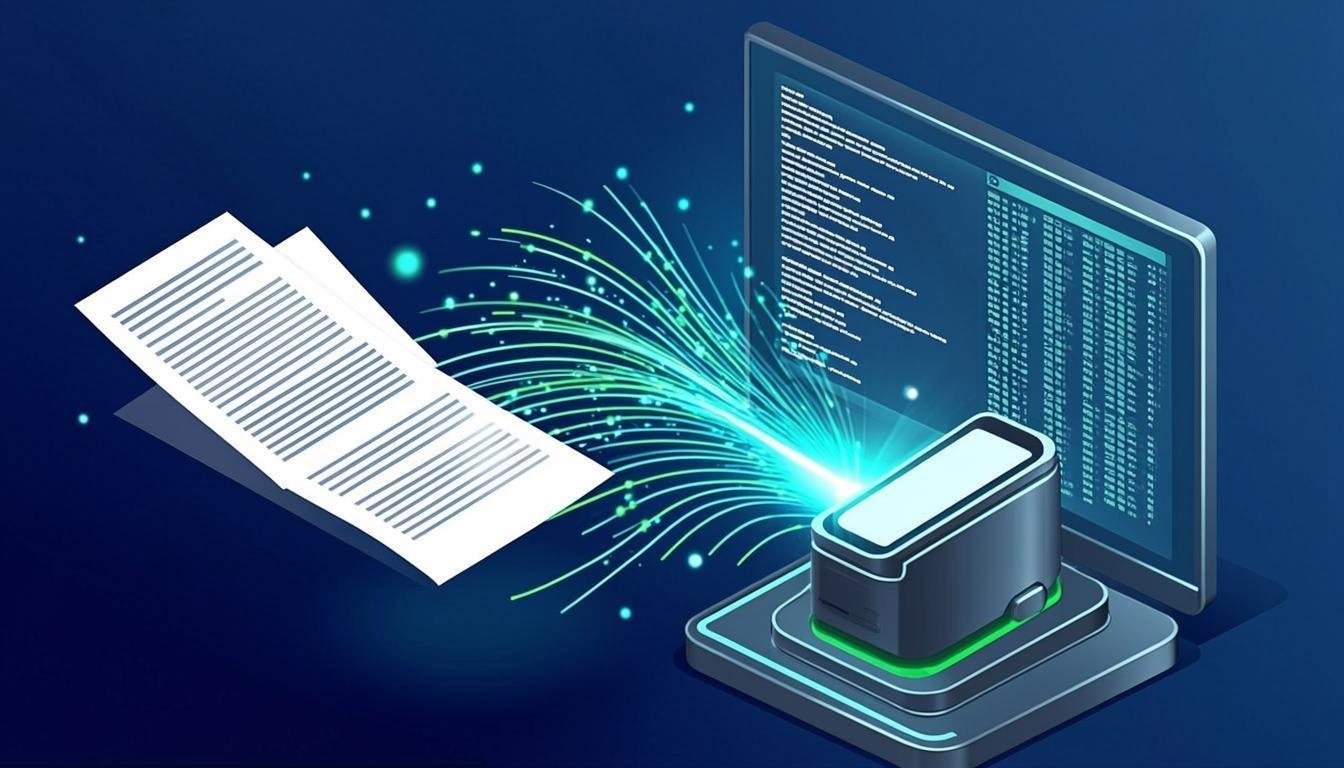
A scan is just an image — a grid of pixels that looks like text to humans but is meaningless to a search engine. OCR (Optical Character Recognition) analyzes those pixels, recognizes character shapes, and converts them into machine-encoded text.
Once a scanned document has a text layer, every word becomes searchable, selectable, and editable.
What makes OCR accurate
Three factors dominate OCR quality: scan resolution, contrast, and straightness. Aim for 300 DPI, ensure the page is evenly lit, and use auto-enhancement to correct skew and shadows before recognition runs.
FileCare applies automatic enhancement during scanning, so most documents are recognized accurately out of the box.
Multi-page scanning workflows
For multi-page documents, batch pages into a single file so the text layer spans the whole document. FileCare's multi-page scanning keeps pages in order and applies OCR to the complete set.
What to do after recognition
Review low-confidence words, name the file descriptively, and place it in the right folder. From that point on, the document behaves exactly like any born-digital file: searchable, convertible, and easy to share.
Manage your documents with FileCare
Put these ideas into practice with a secure workspace for storing, organizing, converting, and scanning every document your team touches.
Start Free Trial