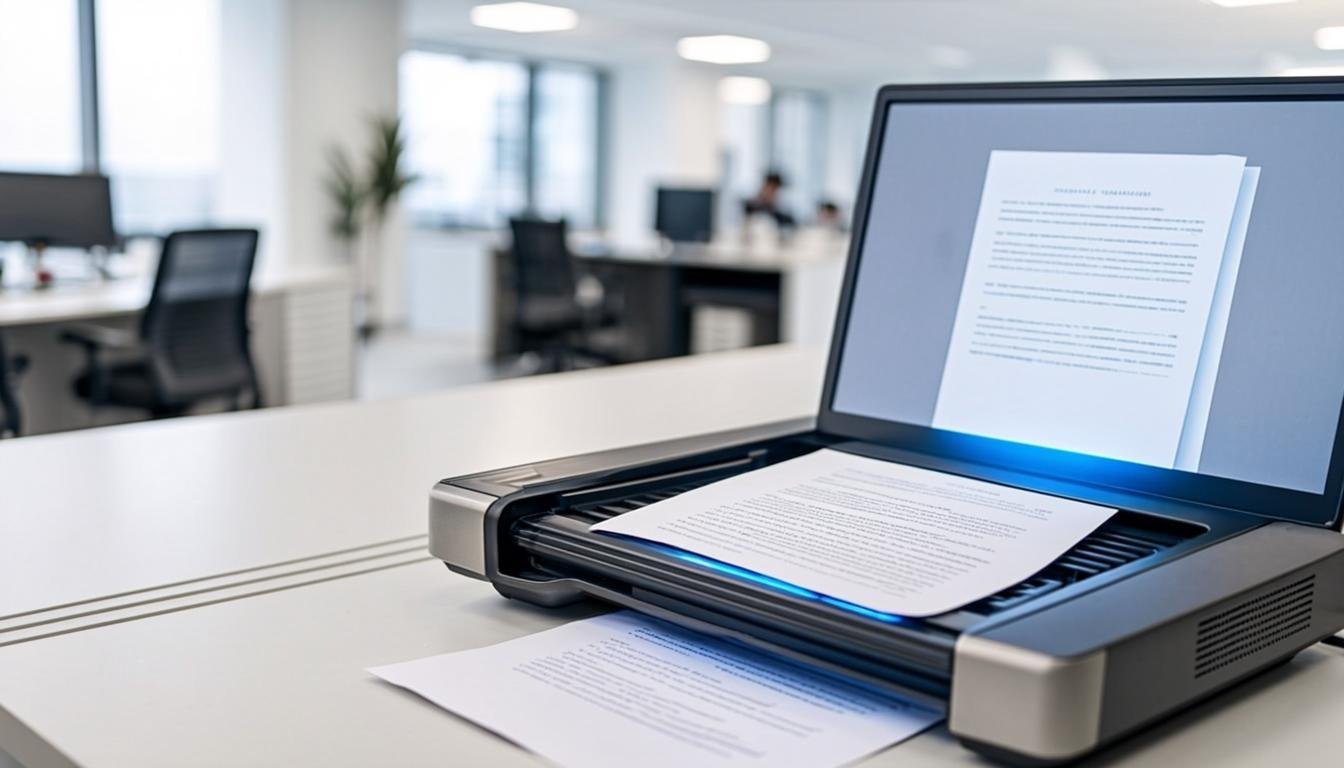
Document Scanning
Scan physical documents directly into your digital workspace. OCR technology makes every scanned page searchable and editable — so paper archives start working like digital files.
From Paper to Productive in One Pass
Seven capabilities that take a stack of paper and turn it into an organized, searchable digital archive.
Document Scanning
Capture paper documents straight into your FileCare workspace — no separate scanner software required.
Multi-Page Scanning
Scan stacks of pages into a single organized document with automatic page ordering.
Desktop Scanner Support
Connect your desktop scanner and send pages to FileCare directly from your computer.
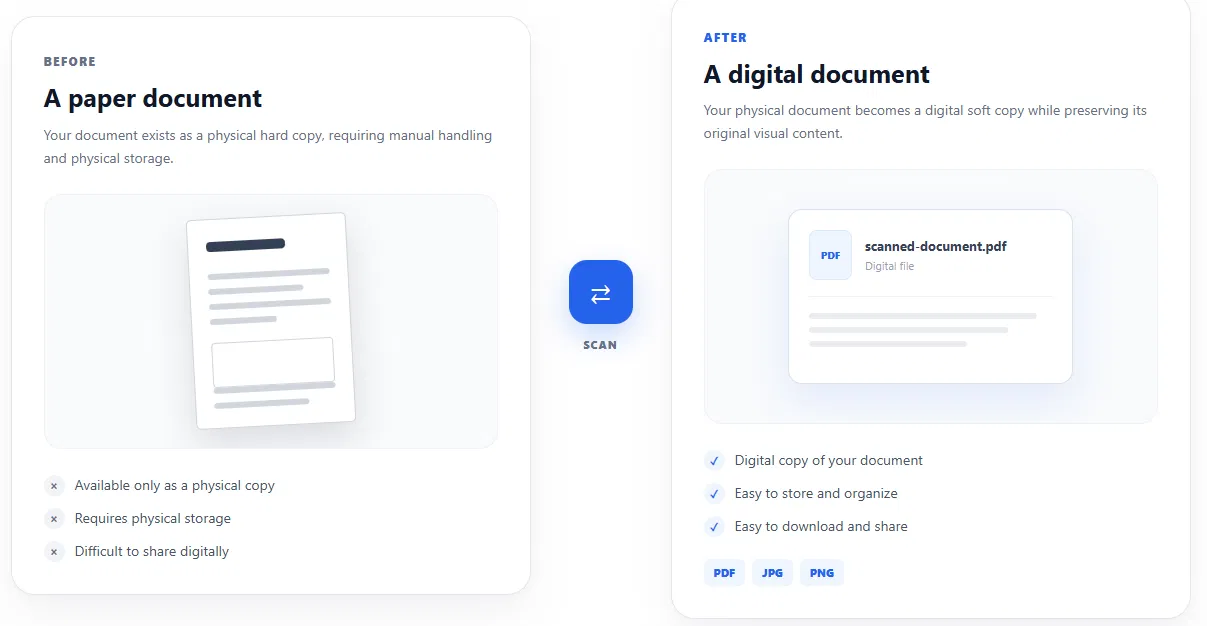
Before & After FileCare Scanning
Turn physical documents into digital files that are easier to store, organize, access, and share.
Full-Text Search That Reaches Your Scans
Because every scanned document carries an OCR text layer, FileCare search works the same across native and scanned files. Type a phrase from a paper invoice you filed years ago — FileCare finds the page.
- Full-text search reaches inside scanned PDFs
- Filter results by type, date, and owner
- Snippets show the exact matched text
34 GB of 50 GB
Advanced Search
3 results for “quarterly report pdf”
Q4-Report.pdf
Q4 financial performance summary… matched “quarterly report”
Q3-Report-Final.pdf
Q3 results and analysis… matched “report”
Board-Quarterly.pdf
Quarterly board review deck… matched “quarterly”